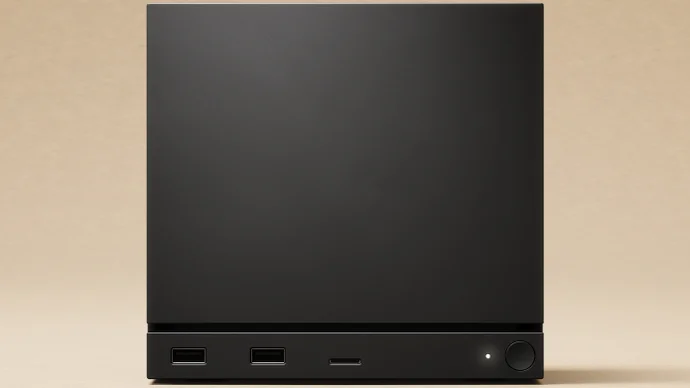
The Steam Machine
Last week the Steam Machine announcement came out on Youtube and that got me thinking on how this could change the way I play videogames. I surely won’t be able to purchase it for a long time, but I’ve always been interested on finding the “definitive way” of playing videogames.
The Steam Machine
I surely am very purist in too many ways with videogames, sometimes my thoughts even clash with each other like, what is the definitive way to play Sonic 2, official or fanmade? original hardware or emulated?
After years in doubt, I decided to settle down. The definitive way of playing videogames (for me) is…
Linux.
Linux is my preferred operating system for every computer I own. I’ve been using it for years as my main workflow, gaming, internet surfing and entertaining operating system. My main laptop, desktop, other laptops, and file server all use Linux; not to mention my totally justified hatred for windows.
Addressing my decision over consoles, Linux is pretty modular operating system so even if I change to another computer, update it, change to other platform… I will never lose compatibility with my games, I can use any screen, controller or peripherals that I want, new old or future ones. And I also can use the fronted and file structure I want.
Beforehand, I want to clear that I want to be able to play games as standalone programs. Over this last years, each time I’ve played emulated games I’ve always used emulators with frontends, or straight up RetroArch, which does its job very well, but again, I want to be able to choose the way I play them, with frontends or just by executing the game on any computer I want, like portable games.
So in the end, I decided to save the games in folders containing the emulator and a run file that executes the emulator directly with the game, so I will create my own file structure that I will follow for every retro game that I store on my digital library.
The root folder will contain two main folders, three extra folders, an icon (256 x 256 pixels), a manual in PDF format and a script to start the game:
name(year)/
├── bin/
├── emu/
├── ext/
│   ├── soundtrack/
│   └── wallpapers/
├── sav/
├── .icon.png
└── run.shIn this case I used Sonic 3D Blast Director’s Cut with ClownMDEmu, creating a bash script that executes the game from bin with the emulator from emu.
#!/bin/bash
./emu/ClownMDEmu-v1.5-x86_64.appimage "./bin/Sonic 3D Blast - Director's Cut (World) (Unl).bin"
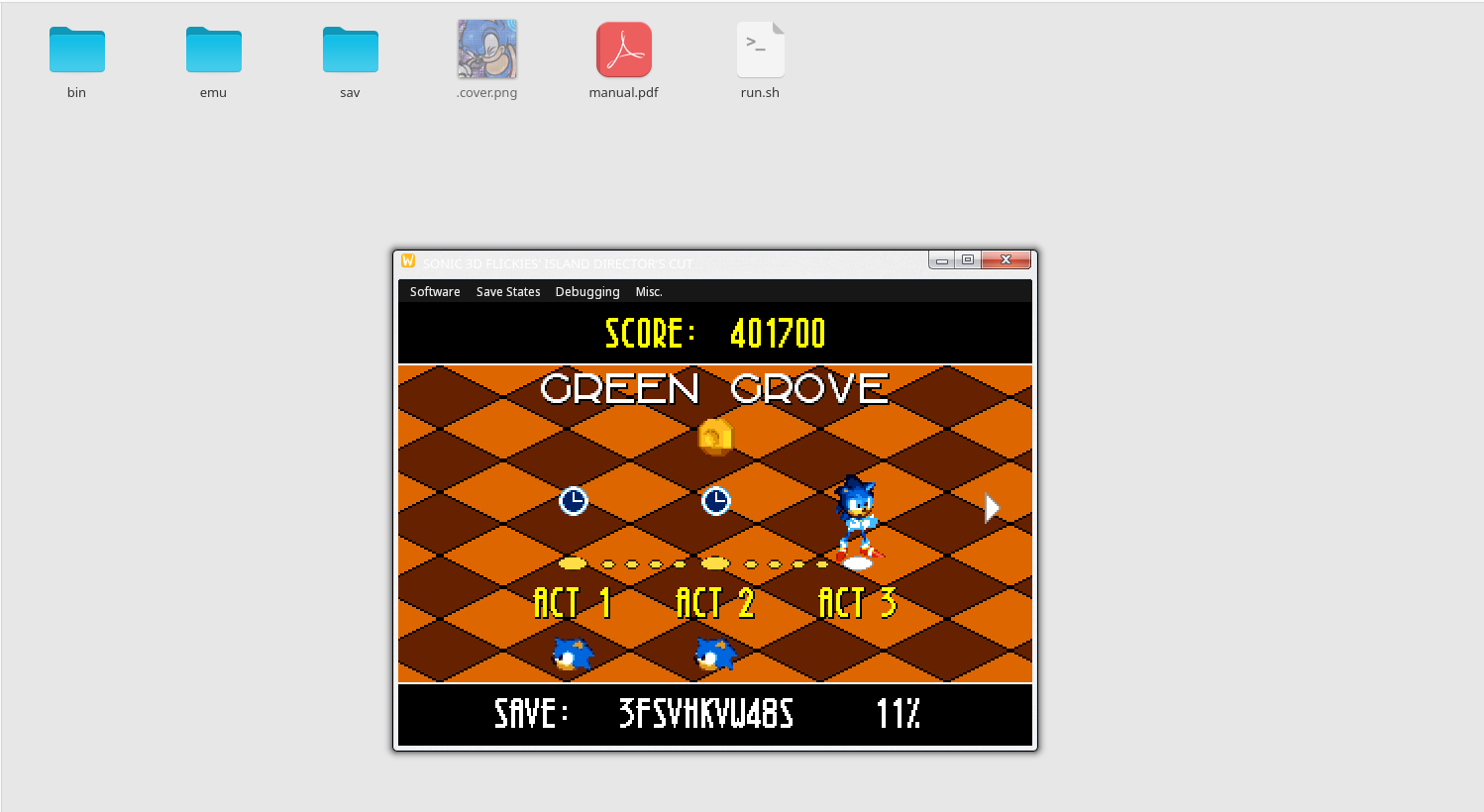
The file structure and the emulator working
PD: I forgot to mention that I planned to make my own frontend to play my games in the distant future, so having a file structure is a good starting point for that. But again, this wont apply soon.